My first experiment with slit scan photography was with traffic and pedestrians. I found a good location and set up the camera in the best way I could. I shot video which was then processed into these still images. After the first few I realised ways to improve upon the quality and efficiency of the process.
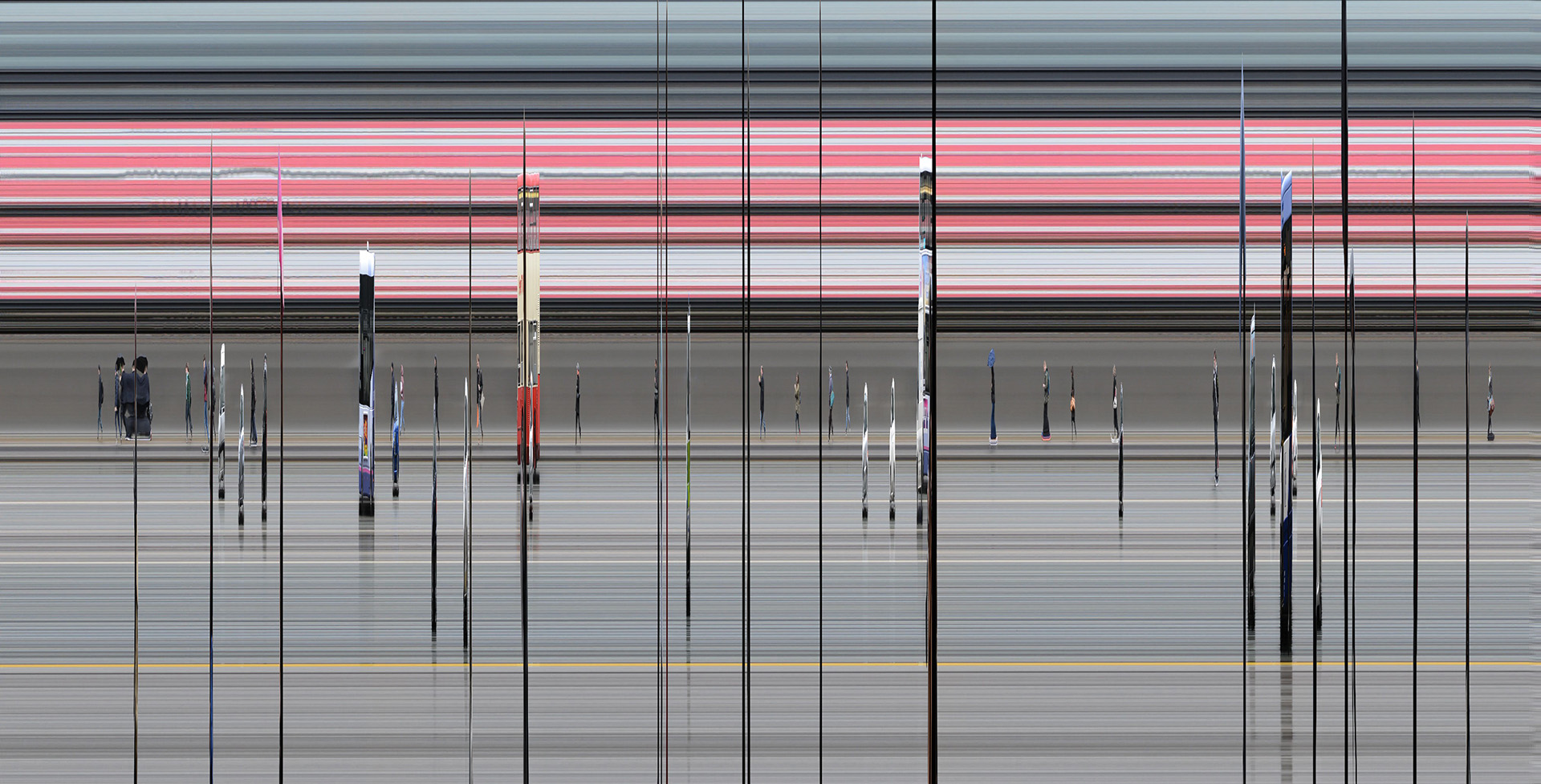
The first image – straight from the process. It is very “squashed” because the speed of the traffic is faster than the camera. To make sense of it I need to stretch the information across the screen, into a large, long, panorama.

Here is the image as a panorama, obviously it is now very difficult to view the image, perhaps it could work as a very long print, however I want to look at ways to better display the information.
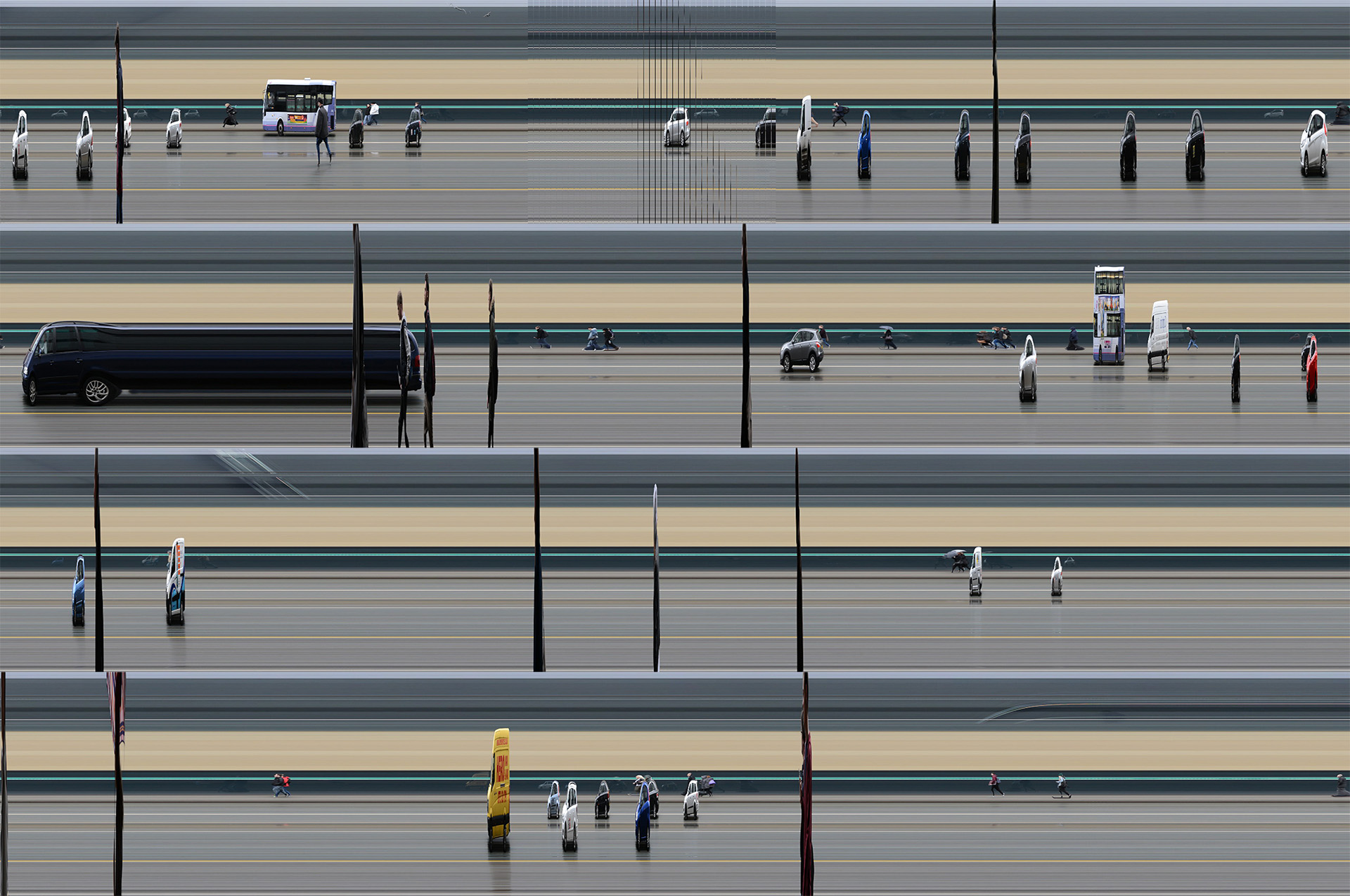
By chopping the panorama into strips, I can display it as several shorter views, on one page, which is viewable as a normal print or on-screen. I think this works although it is a different type of image now. Perhaps the elements of time and space are lost in this format?
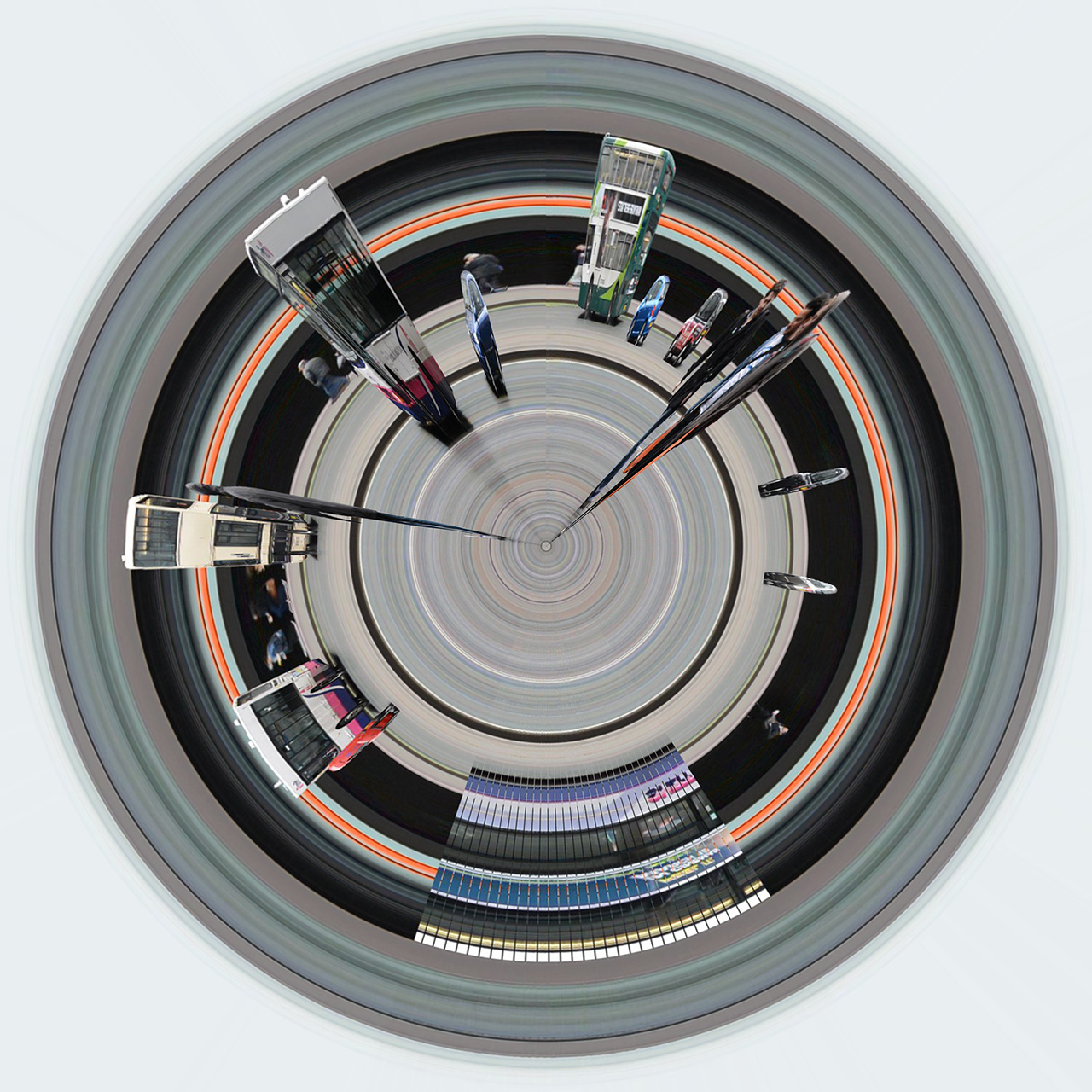
This is a similar scan displayed as a circular panorama. I am not sure of the effect here, it is a common method to display panoramas but does it get across the elements of the image such as time and motion? If anything this makes the image look more gimmicky, something I do not want.
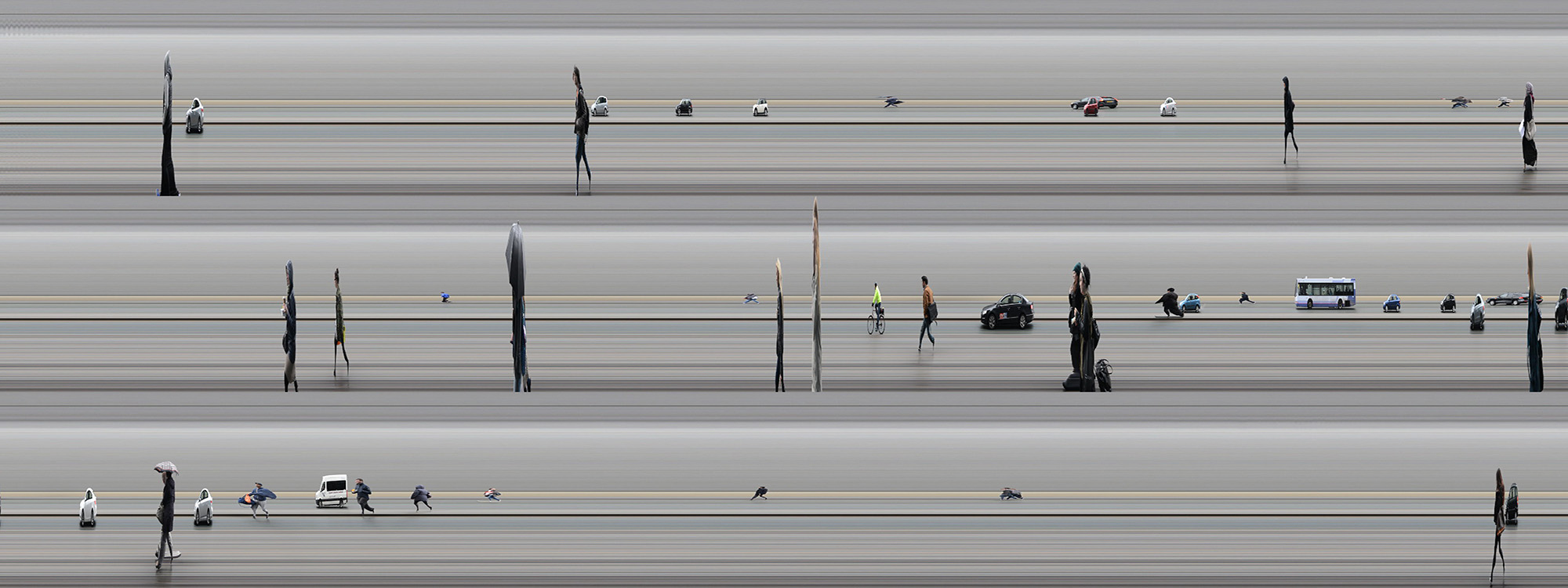
Finally I chopped my last video into small strips and displayed them like this so they can be easily viewed. I think of all the methods I have tried this is the one which is most succesful, although I am not sure if it would be better to just display the data as one line, perhaps a panorama, but one which can be viewed on-screen. This way the image is read as a continuous line of events rather than a picture. As a line it will convey the timeline of events more appropriately.